AI tutor for learning design tools
Context
AI is a double edged sword
We were given less than 7 hours at GBDASociety's annual designathon to tackle the following challenge:
How might we help students use AI as a collaborator, not a crutch?
Problem
Learning design tools is hard
Onboarding onto tools that have a steep learning curve can be fragmented and overwhelming. Many designers give up before they even get started.
Understanding the problem
What better way to understand a problem than talk to our users? We interviewed 14 designers at the event and surfaced two key pain points.
Key Insights
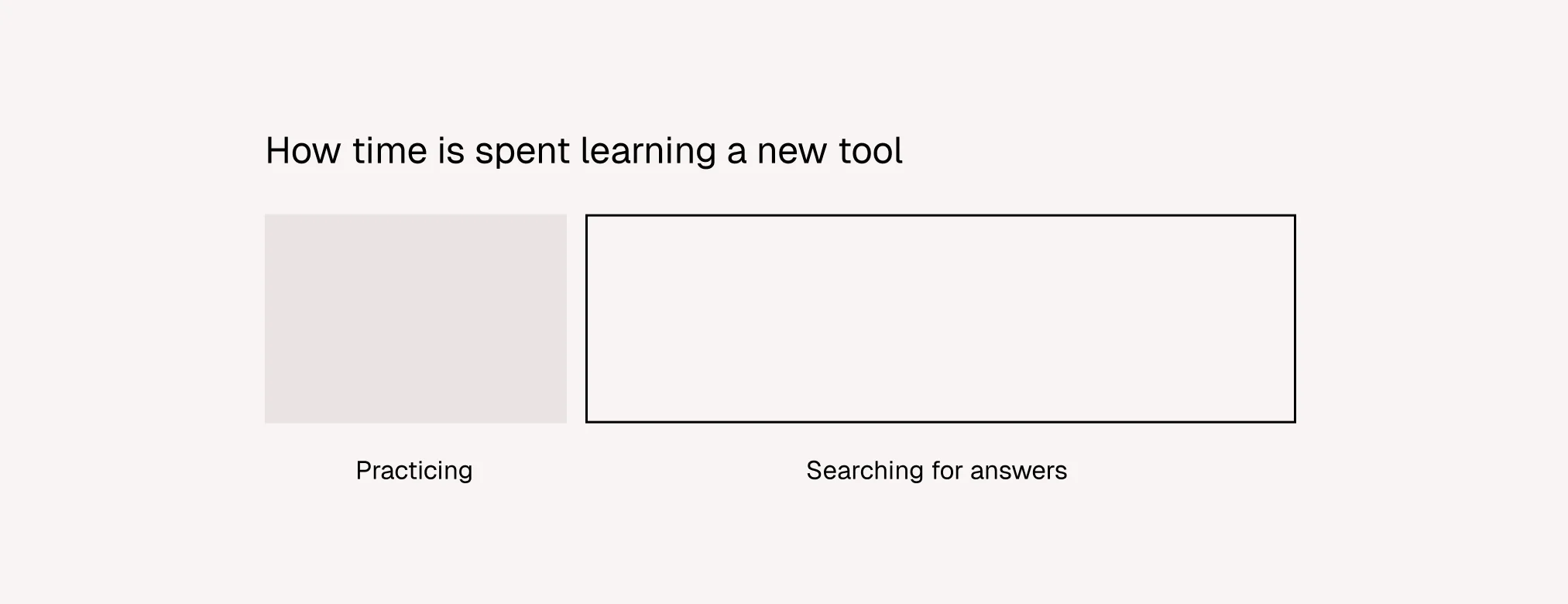
People learn best by doing
Like learning how to ride a bike, people learn best through practice. How can we help designers spend less time troubleshooting and more time creating?
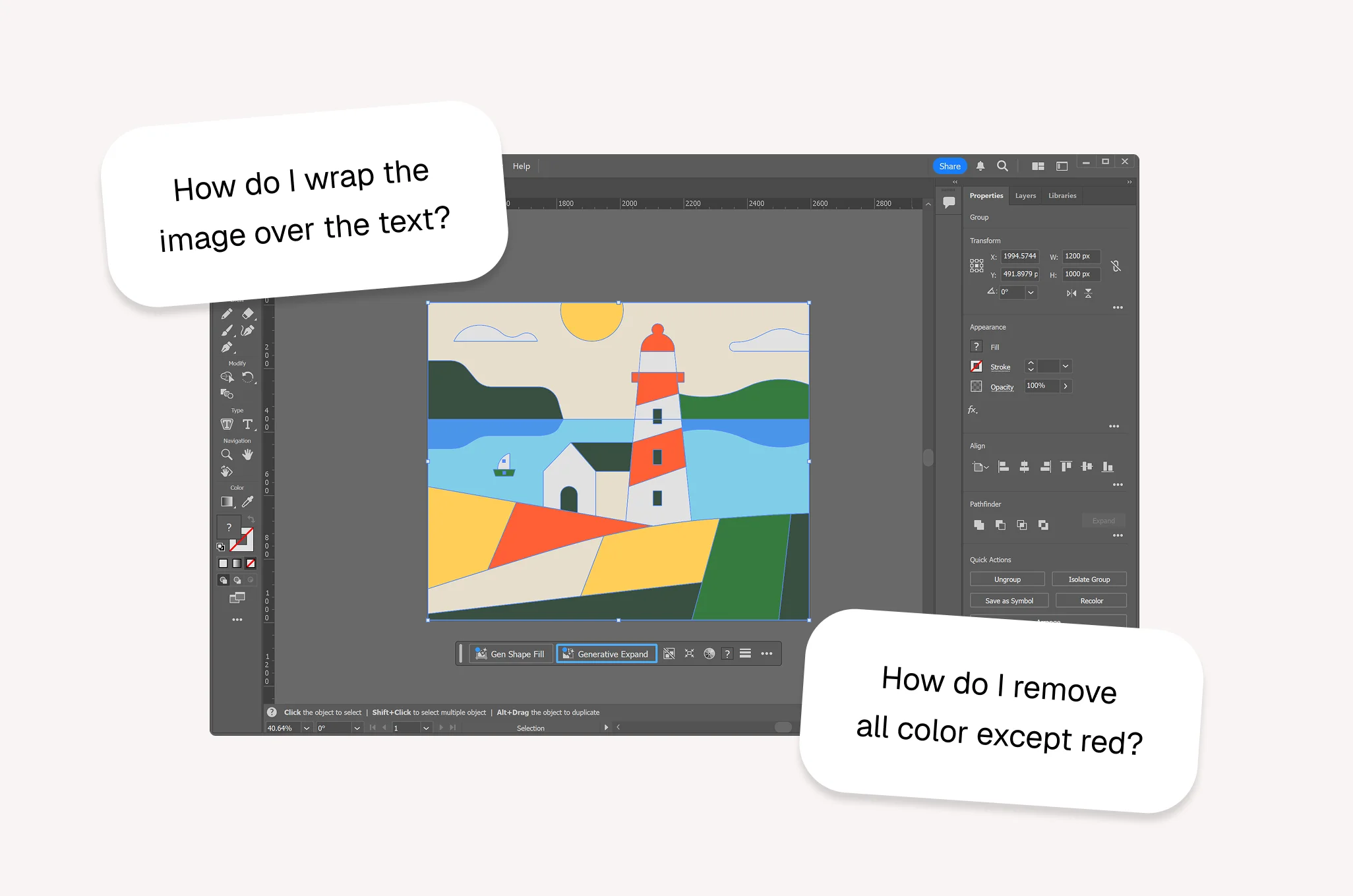
Designers don't want textbooks
They want fast, actionable answers to specific micro-questions, right when they get stuck.
Solution
Meet Guide, an AI tutor that teaches you in real time
A lightweight overlay that sits on top of your existing tools and surfaces answers as you work.
Core Flows
Design Decision
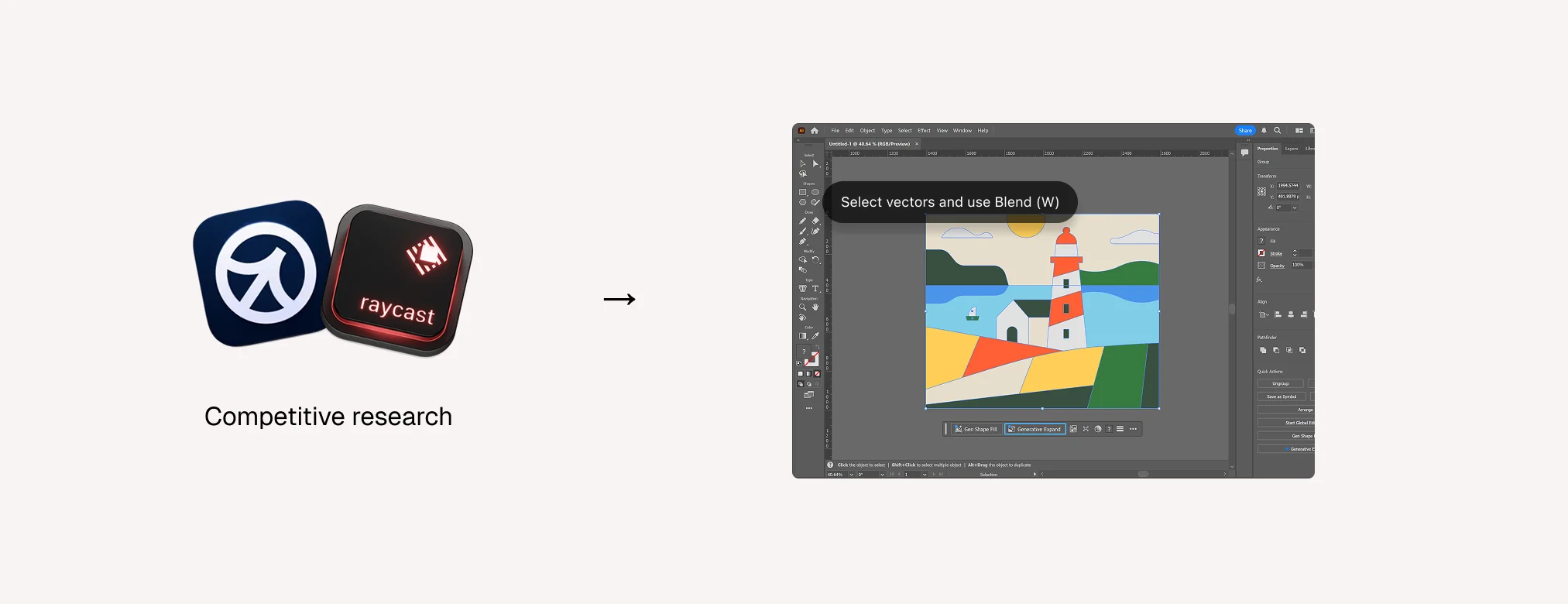
An overlay as the interaction model
The best tools don't replace existing workflows but evolve them. Guide meets users where they already work.
Result
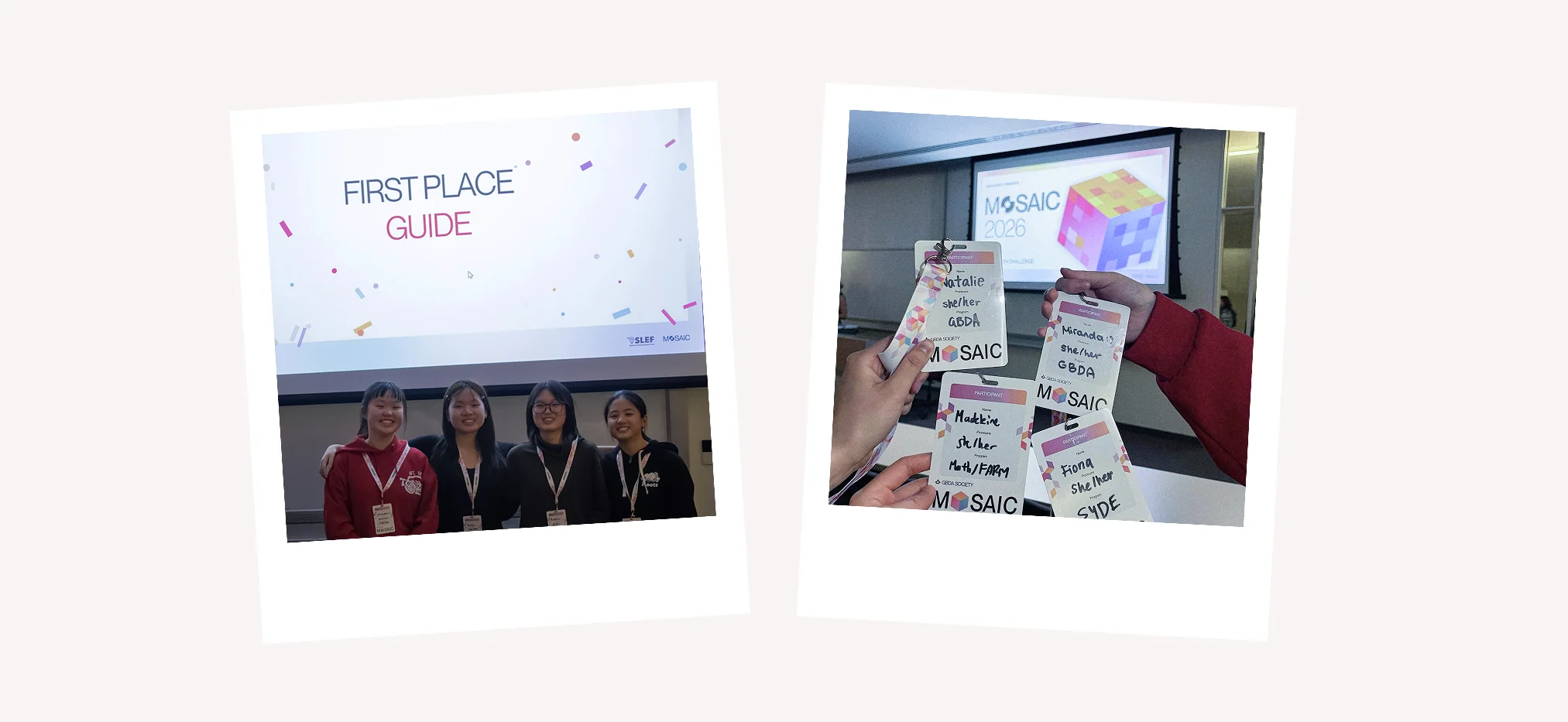
We won first place!
We received lots of love for Guide and many requests to turn it into a real product.
Building and shipping Guide as a macOS app
Reflection
What I learned
01.
Making decisions based off intuition
Designing from personal pain points helped us move quickly, but the strongest decisions came when we validated those assumptions against broader user needs.
02.
Constraints can create clarity
7 hours on the clock actually forced us to make faster product decisions, focus on the core interaction, and avoid over-designing secondary features.